With over 20 years of experience in gaming equipment rental and gaming event management, as well as organisers and hosts of the UK’s biggest community LAN party, EPIC.LAN is available for expert advice on the best gaming gear you’ll need for your event.
Esports tournaments, LAN parties, video game exhibitions and corporate events need the very best PCs, monitors and equipment. But how do you know which gaming PCs to choose to meet your needs? There are several things to consider for PC gaming rental in the UK, and our guide explains 6 key factors you need to know before you hire.
1. Understand Your Gaming Needs
To start off with, you need to know what games will be played at your event. Do they boast realistic graphics that require beefy GPUs and lots of RAM? Are you having an event for indie games or older games that will be supported by mid-range PCs? Many modern single-player titles require powerful PCs to run smoothly at the highest frame-rates, and the same goes for many competitive multiplayer games like Call of Duty, Tekken and Rainbow 6 Siege.
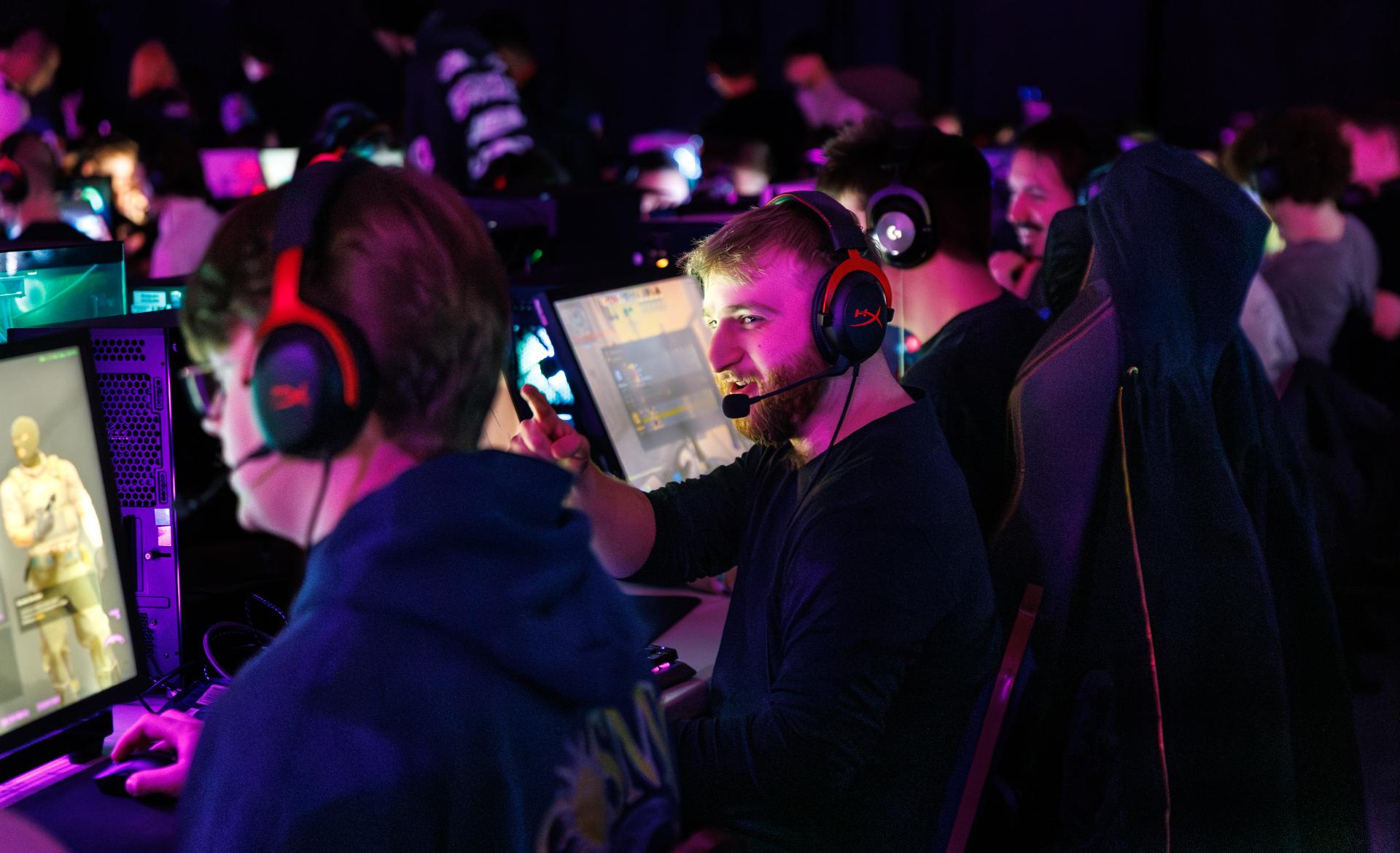
VR gaming will require specific PCs and systems too. Competitive events will require the right type and number of monitors, such as high refresh rate monitors to reduce input lag, while more casual events may benefit from larger monitors or projection screens for big audiences.
Think about what games you’re playing and the type of event you’re throwing to nail down the ideal PCs and rigs.

2. Determine the Minimum PC Specs Required
Gaming PC specs can be tricky to understand, but determining the minimum specs you need is easier when you know what games you’ll be playing or streaming.
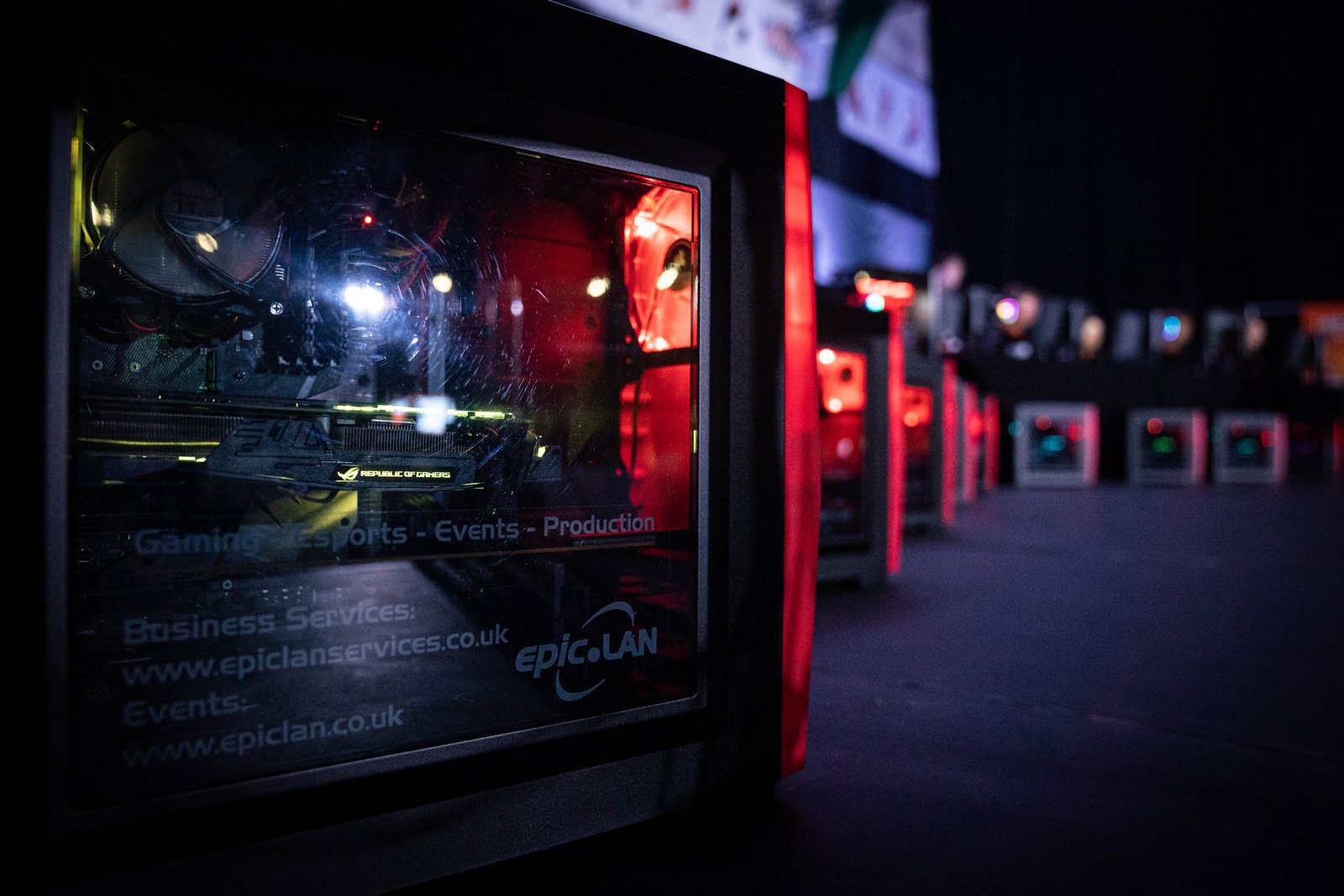
People choose EPIC.LAN to rent gaming PCs in the UK with minimum specs including:
- CPU: Intel Core i5 or i7
- GPU: NVIDIA RTX 3060, 4080 or 5080
- RAM: 16GB or higher
- Storage: Front Hotswap bay for Esports use or SSD or NVMe with minimum 512GB
These specs are a general guideline and will support most modern games with high graphical fidelity while providing smooth frame rates for more competitive events.
Along with the specs for the gaming PCs, also check that monitors have the right resolution and refresh rate, with higher resolutions and refresh rates being more suited for graphically intensive games, helping to provide great visuals and smooth performance.
3. Research and Compare Gaming PC Rental Options
Gaming PC rental in the UK comes with different hire terms and prices. Some companies will provide flexible terms, dry hire and options for delivery or collection. Hire prices may be based on hourly, daily or weekly rates. Some gaming PC hire companies may only have a select range of PCs from certain brands, and others could have their own custom rigs with the latest and best specs.
Conduct thorough research on the gaming PCs available to find the best balance between performance vs cost to get the best value for money.
4. Consider Additional Gaming Peripherals
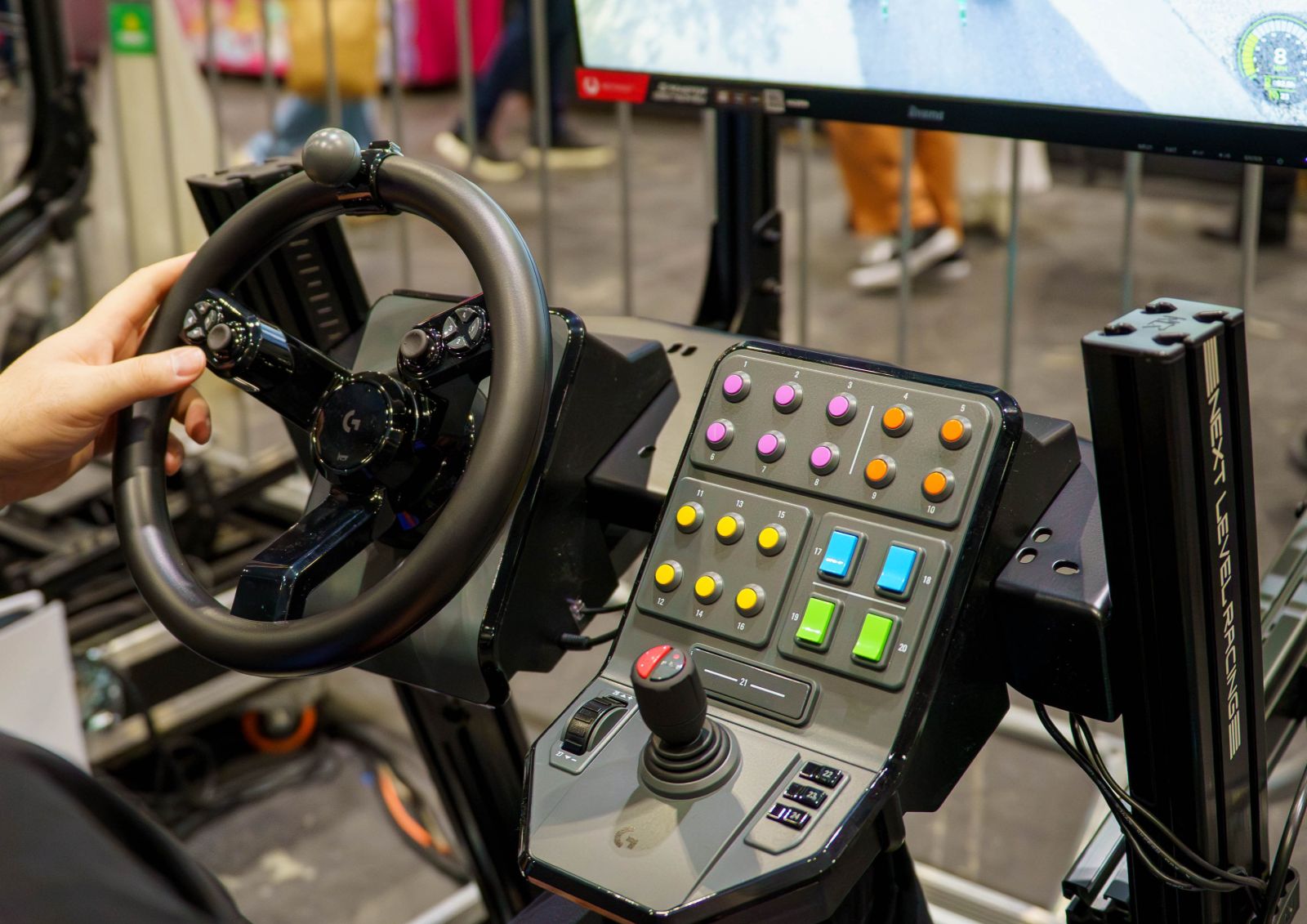
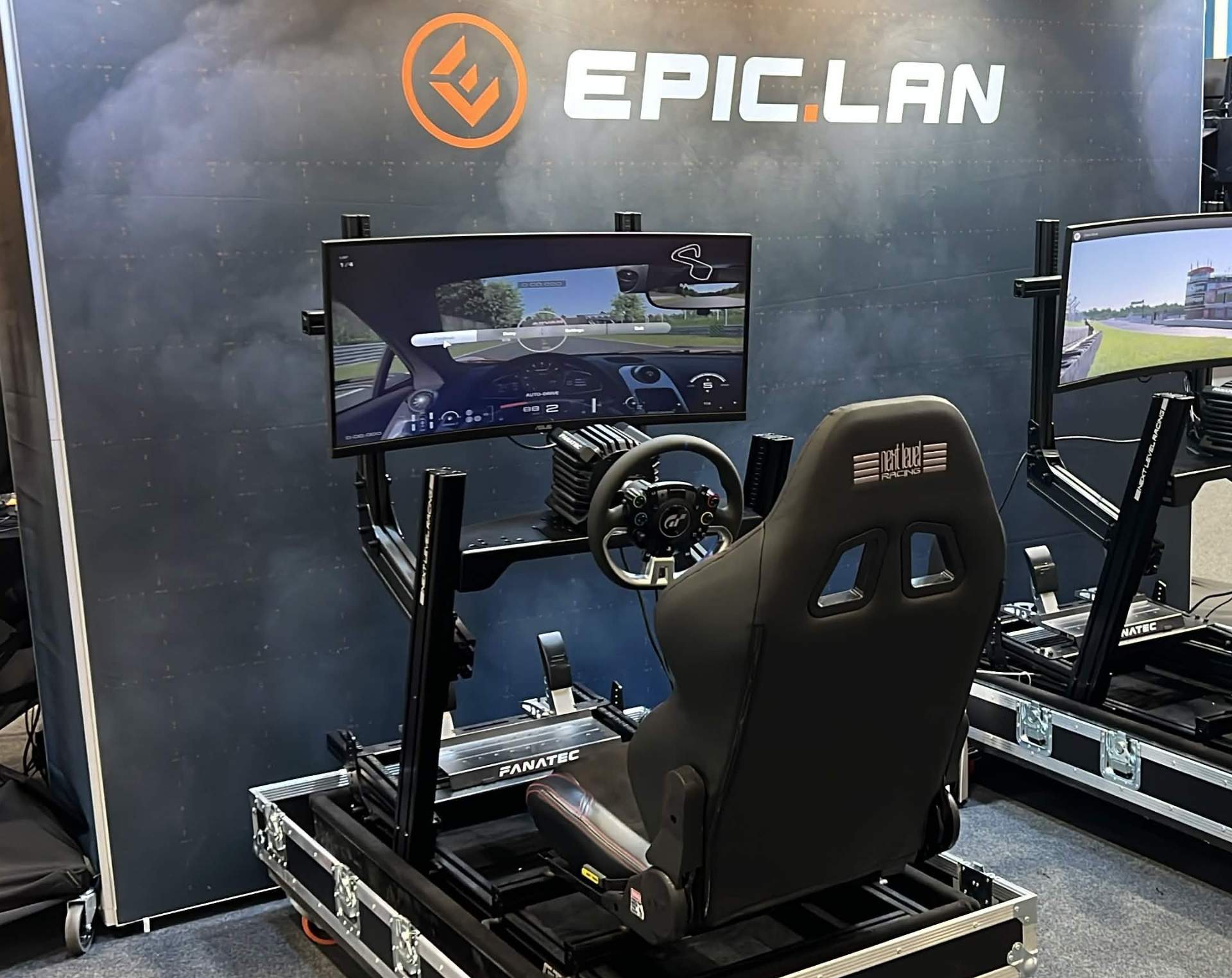
When comparing gaming PC rental providers, it’s important to think beyond the PCs themselves. A complete sim racing or gaming setup also requires the right peripherals to ensure a smooth and professional experience.
Alongside your gaming PC rental, you may also need:
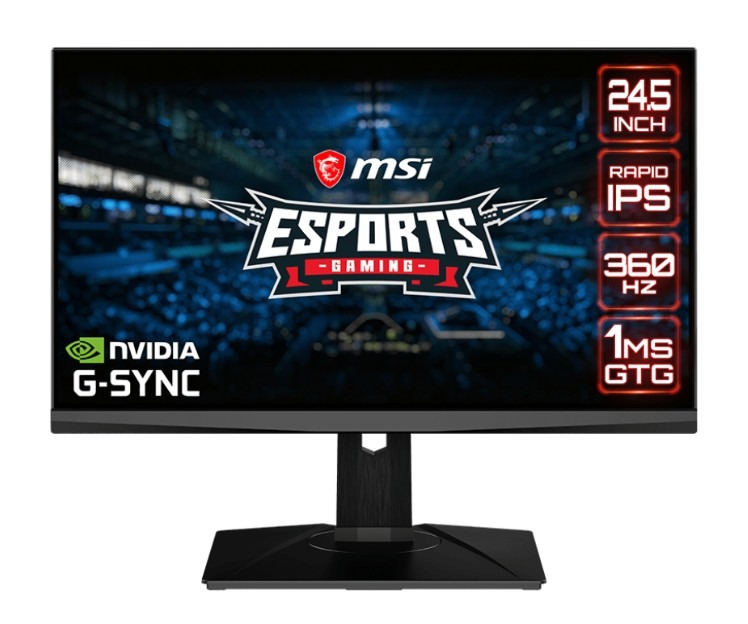
- High-refresh-rate monitors – Esports tournaments often go for 144hz+ monitors
- Gaming keyboards
- Precision gaming mice
- Headsets and other audio equipment
Not every gaming PC rental provider in the UK includes these items as part of their service, so it’s worth checking whether they can supply the full setup rather than just the computers. Choosing a provider that can deliver all the required gaming equipment to hire in one package can simplify logistics, improve compatibility between devices and make event setup much easier.
If you’re organising a larger corporate event, Esports tournament or sim racing experience, having access to matching peripherals can also help create a more professional and consistent environment for participants.
5. Review the Rental Duration & Support
Before choosing a gaming PC rental provider, it’s important to consider how long the equipment will be needed and what level of support is included throughout the rental period.
You may only require gaming PCs for a single-day event, exhibition or team-building session, while others may need longer-term rentals for ongoing projects, Esports tournaments, training programmes or temporary gaming installations. Checking whether a provider offers flexible rental durations can help ensure you only pay for the time you actually need.
It’s worth reviewing the support and maintenance options available during the rental period. Technical issues can quickly disrupt an event, particularly when multiple gaming systems are involved. Reliable providers should be able to offer troubleshooting assistance, replacement equipment if required, and ongoing technical support to minimise downtime.
6. Don’t Forget Delivery and Setup Costs
Delivery and setup costs are another important consideration for gaming PC rental in the UK. While the rental price itself may appear competitive, additional transport or installation charges can affect the total cost.
It’s worth checking where the provider is based and whether delivery fees apply to your location, especially for larger events requiring hundreds of gaming PCs and peripherals.
For corporate events, exhibitions, LAN parties or sim racing experiences, setup support is also very beneficial. Some providers can assist with installing, configuring and testing the gaming PCs before the event begins, helping to ensure everything runs smoothly on the day.

Rent Top-Tier Gaming PCs From EPIC.LAN
If you’re looking to rent the very best gaming PCs and peripherals for your event, EPIC.LAN has a rental catalogue that covers everything you’ll need. In addition to our top-tier gaming PC rentals, we hire out the latest monitors and TVs and gaming chairs with flexible rental terms at the most competitive prices.
We also provide technical and setup support, supporting your entire event from beginning to end. Based in Cheshire, we hire out gaming PCs for events throughout the UK. Get in touch by filling out our equipment hire form with your details and we’ll be back in touch with a quote.